
Citrix EdgeSight report server symmetric key error
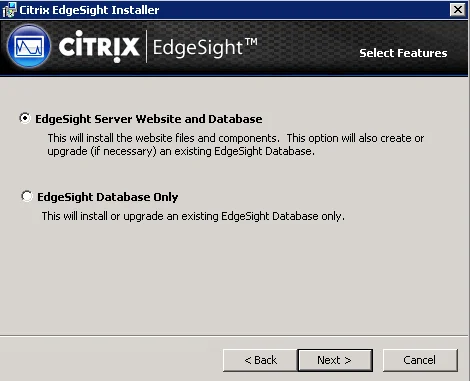
If you just updated your EdgeSight server and you get an error message like this when hitting the web console:
The report server cannot decrypt the symmetric key used to access sensitive or encrypted data in a report server database. You must either restore a backup key or delete all encrypted content. Check the documentation for more information. (rsReportServerDisabled) (rsRPCError) Get Online Help Bad Data. (Exception from HRESULT: 0x80090005)
the solution is very easy. Just go to your SQL Server and delete the existing keys by opening command prompt and typing:
rskeymgmt -d
then:
rskeymgmt -s
to recreate them. Restart the "SQL Server Reporting Services" windows service for good measure if you like and refresh your browser. EdgeSight should load up fine now. There is a good article here by MS that goes into more detail about the Reporting Services encryption keys here:

Jason Samuel
Product leader, advisor, and international speaker with 27+ years in enterprise end-user computing, security, and cloud. Has deployed infrastructure at Fortune 500 scale across 34 countries. 1 of 3 people globally to hold Citrix CTP + VMware vExpert + VMware EUC Champion concurrently. 200+ articles, 1,000+ reader discussions.