
How to install an SSL cert chain on a Cisco Wireless Lan Controller (WLC)
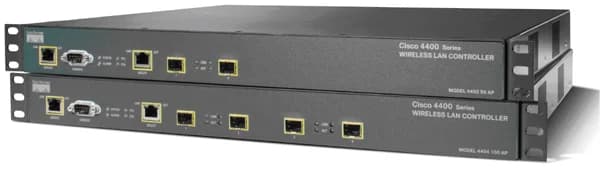
Cisco WLC (Wireless LAN Controllers) require the entire SSL cert chain to be installed on the appliance. I like to do this via IIS since it is very quick and efficient and all my intermediate and root certs are already on there typically (double check your servers please).
- Create a temporary site in IIS and generate a CSR. Make sure the domain matches whatever appliance you are trying to generate it for exmp: wireless.yourcompany.com.
If you are exporting a wildcard cert that might already be on your IIS server, just export it as a PFX and skip to step 5.
-
Send the CSR to your registrar and wait for them to validate.
-
Get the .crt and convert it to .cer (just open the .crt and save it as .cer). Do the same for the intermediate and root certs you received.
-
Install the .cert in IIS as well as all intermediate and root certs they send you.
-
“View” the cert in IIS (Site properties > Directory Security > View Certificate > Details Tab > Copy to File) and export it with the private key in pkcs12 (.pfx) format. Also make sure to check “Include all certificates in the certification path is possible”. Just set the password as “password” so it’s easy to remember.
-
Now you have a .pfx with your whole SSL cert chain but you need to convert it to .pem for the WLC.
-
Use this command with OpenSSL:
openssl pkcs12 -in yourcert.pfx -out yourcert.pem
- Type the “password” when prompted
- TFTP the new .pem containing the whole SSL cert chain and private key over to the WLC and reboot. You will have to specify the "password" when you type in your TFTP info and Save and Reboot the WLC after the download is successful. Test it out and it should work.

Jason Samuel
Product leader, advisor, and international speaker with 27+ years in enterprise end-user computing, security, and cloud. Has deployed infrastructure at Fortune 500 scale across 34 countries. 1 of 3 people globally to hold Citrix CTP + VMware vExpert + VMware EUC Champion concurrently. 200+ articles, 1,000+ reader discussions.
Previous Comments (4)


