
How to convert an SSL cert to a .pem for installation on Citrix and Cisco appliances
Often times you might have to add an SSL cert to a Cisco or Citrix appliance (like a Netscaler) but it only accepts the SSL cert and private key in a certain format. Your CA (certificate authority) will issue the SSL cert to you as a .crt. From there, you need to package the cert with the private key and in the format your appliance requires. There are different ways to do this and one easy way I like is using IIS and OpenSSL which is a free open source tool and can be downloaded here: http://www.openssl.org
1. Create a temporary site in IIS and generate a CSR. Make sure the CN (common name) you enter matches whatever appliance you are trying to generate it for exmp: wireless.mycompany.com
2. Submit the CSR to your CA such as Verisign, GoDaddy, Network Solutions, etc. and wait for them to validate and issue your cert.
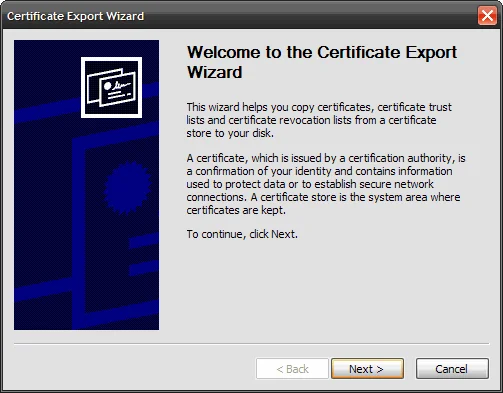
3. Get the .crt from the CA once they issue it and convert it to .cer. Just open the .crt by double clicking on it and and save it as .cer using the export wizard. This is necessary since IIS does not accept .crt.
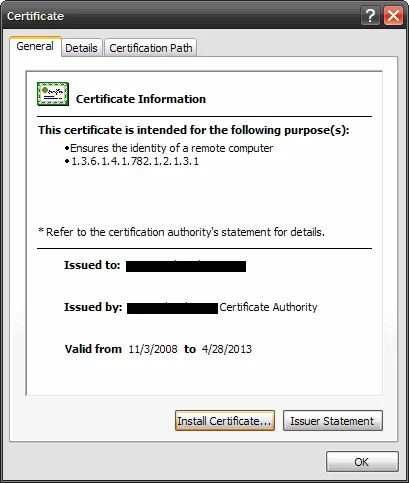
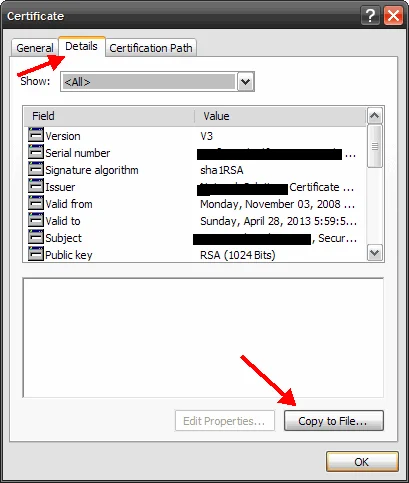
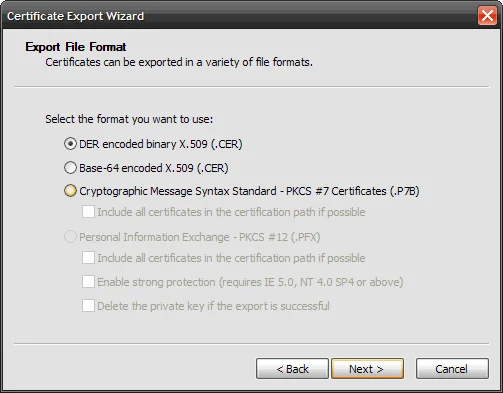
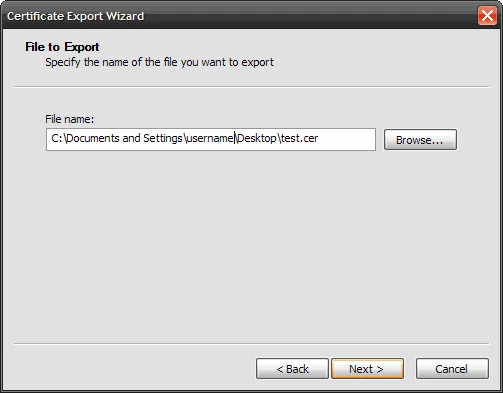
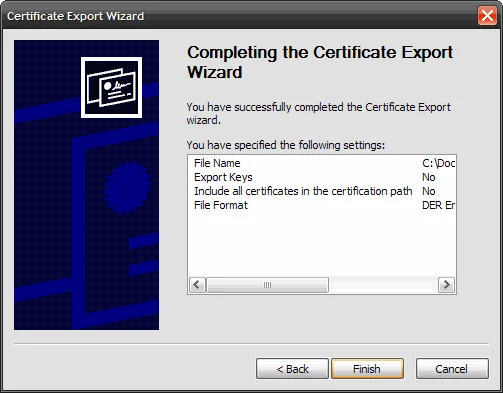
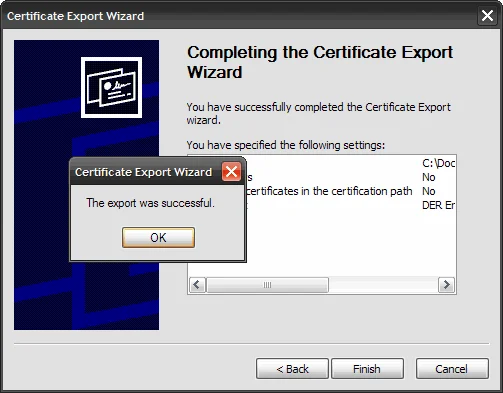
4. Install the .cer in IIS using the Web Server Certificate Wizard where you originally generated the CSR. Just process the pending request to install it.
5. View the cert in IIS and export it with the private key in pkcs12 (.pfx) format. Just set the password as “password” since you will be deleting it after conversion is complete later.
6. Go to the directory where OpenSSL.exe is and type in the following to convert the .pfx to a .pem
openssl pkcs12 -in nameofcert.pfx -out nameofcert.pem
7. Type the “password” when prompted for the pass phrase.
8. Install the .pem on the appliance and it should work
IMPORTANT NOTE:
If you are doing it for some appliances like a Cisco IronPort, you need to add the nodes switch when creating the .pem:
openssl pkcs12 -in nameofcert.pfx -out nameofcert.pem –nodes
The –nodes switch ensures that the key inside the .pem is left unencrypted. If you attempt to install a .pem created without the -nodes switch, the appliance will take the cert but will not accept the private key since it cannot read it in an encrypted state.

Jason Samuel
Product leader, advisor, and international speaker with 27+ years in enterprise end-user computing, security, and cloud. Has deployed infrastructure at Fortune 500 scale across 34 countries. 1 of 3 people globally to hold Citrix CTP + VMware vExpert + VMware EUC Champion concurrently. 200+ articles, 1,000+ reader discussions.
Previous Comments (2)

