
Thwack content gets an unreachable error message in Solarwinds NPM
If SolarWinds NPM says 'unable to contact Thwack server' when you download templates, add a defaultproxy disabled entry to web.config. No IIS restart needed.
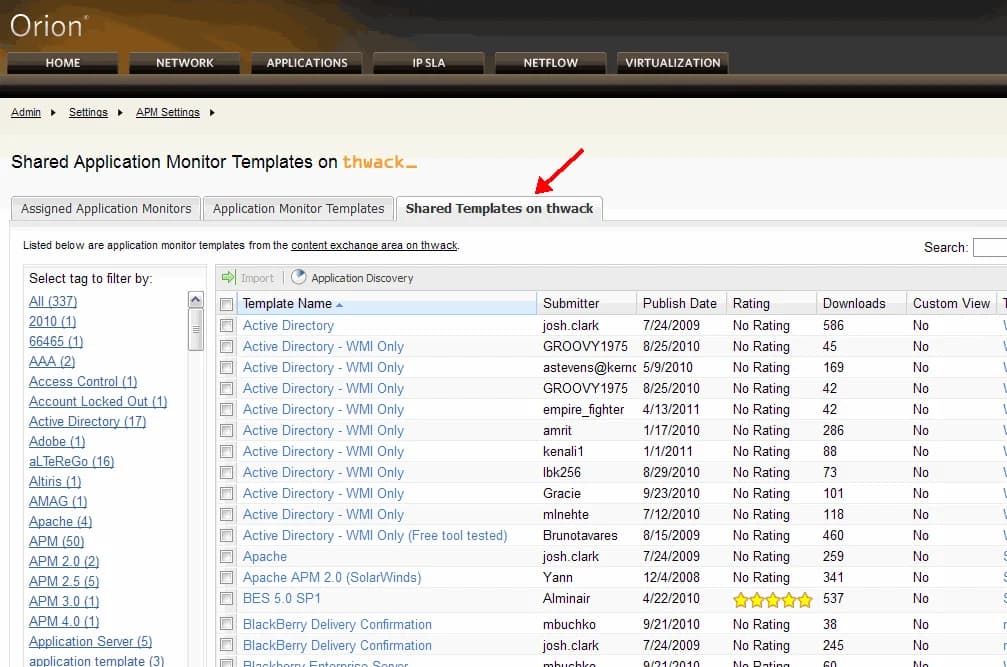
I came across an interesting issue trying to setup an additonal web server with Solarwinds NPM. Everytime I tried to download templates from Thwack, it have give me an "Unable to contact thwack server" error. This happens sometimes when using a proxy. The fix is adding this to your C:\Inetpub\SolarWinds\web.config:
<system.net>
  <defaultproxy enabled="false"></defaultproxy>
</system.net>
You don't have to reset IIS or restart any Solarwinds services. Just refresh the page and you should be able to see Thwack templates now.

Jason Samuel
Product leader, advisor, and international speaker with 27 years in enterprise end-user computing, security, and cloud. Has deployed infrastructure at Fortune 500 scale across 38 countries. 1 of 3 people globally to hold Citrix CTP + VMware vExpert + VMware EUC Champion concurrently. 220 articles, 1,000+ reader discussions.