
Citrix EdgeSight report server symmetric key error
If EdgeSight is throwing 'report server cannot decrypt the symmetric key' after an update, you need to delete and recreate the SSRS encryption keys with rskeymgmt. Here's how.
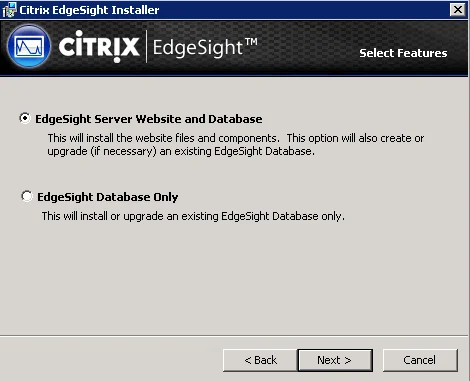
If you just updated your EdgeSight server and you get an error message like this when hitting the web console:
The report server cannot decrypt the symmetric key used to access sensitive or encrypted data in a report server database. You must either restore a backup key or delete all encrypted content. Check the documentation for more information. (rsReportServerDisabled) (rsRPCError) Get Online Help Bad Data. (Exception from HRESULT: 0x80090005)
the solution is very easy. Just go to your SQL Server and delete the existing keys by opening command prompt and typing:
rskeymgmt -d
then:
rskeymgmt -s
to recreate them. Restart the "SQL Server Reporting Services" windows service for good measure if you like and refresh your browser. EdgeSight should load up fine now. There is a good article here by MS that goes into more detail about the Reporting Services encryption keys here:

Jason Samuel
Product leader, advisor, and international speaker with 27+ years in enterprise end-user computing, security, and cloud. Has deployed infrastructure at Fortune 500 scale across 34 countries. 1 of 3 people globally to hold Citrix CTP + VMware vExpert + VMware EUC Champion concurrently. 200+ articles, 1,000+ reader discussions.